Physical Computing

Cerin Noupbaev


Module 1


Activity 1
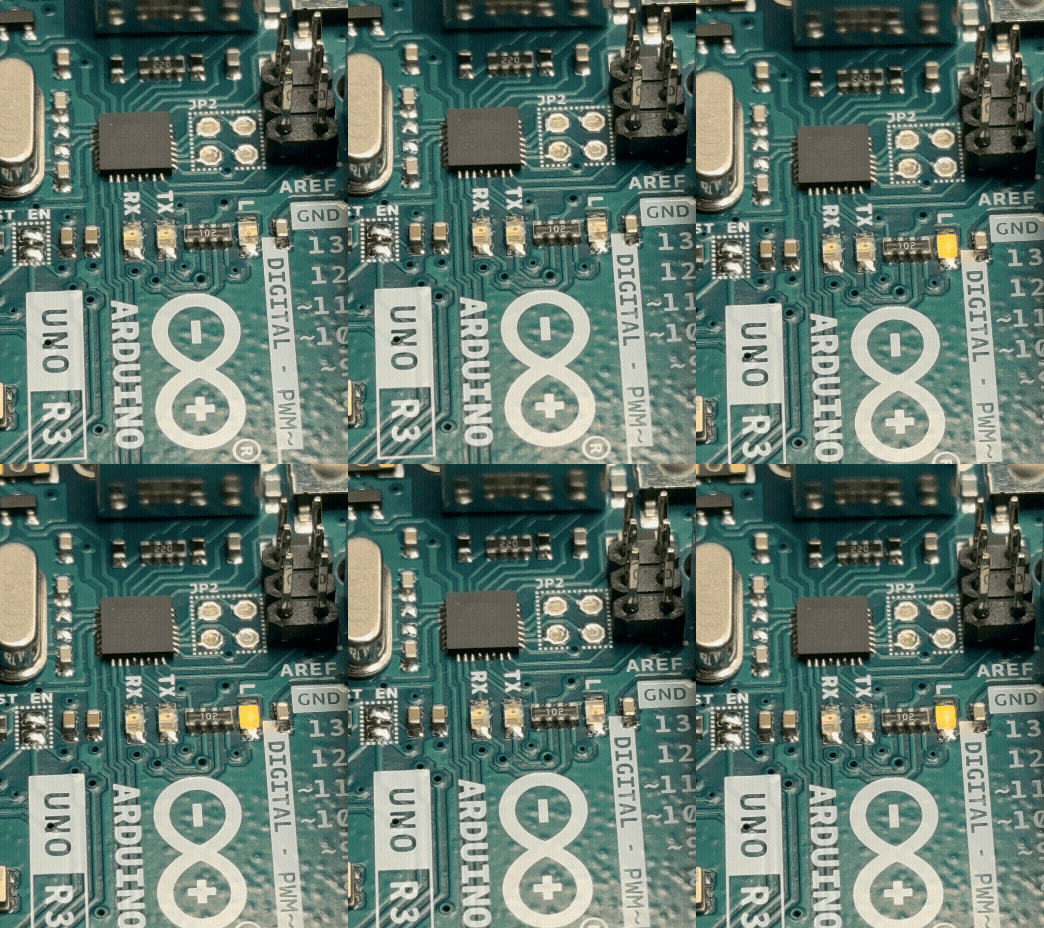
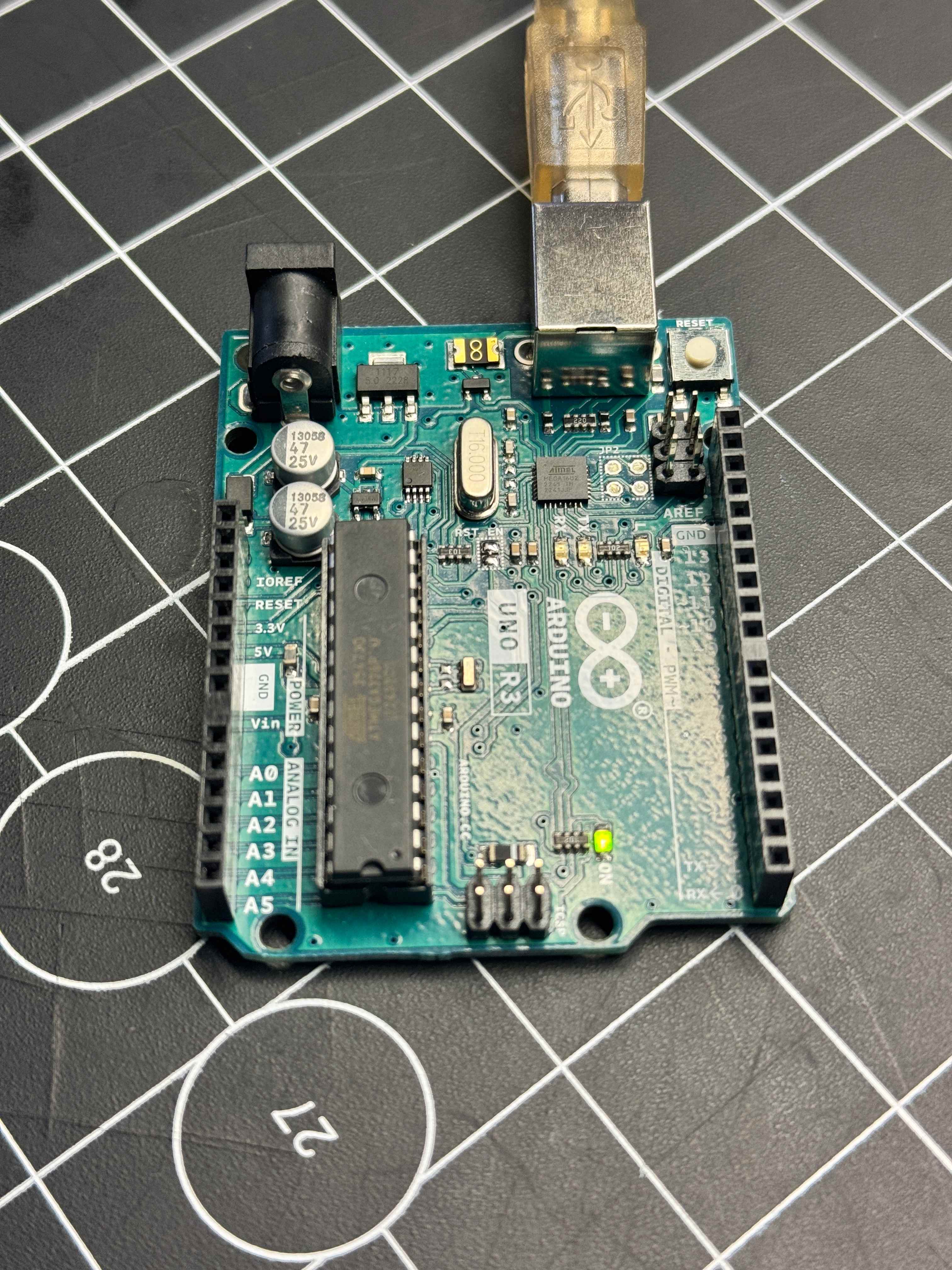
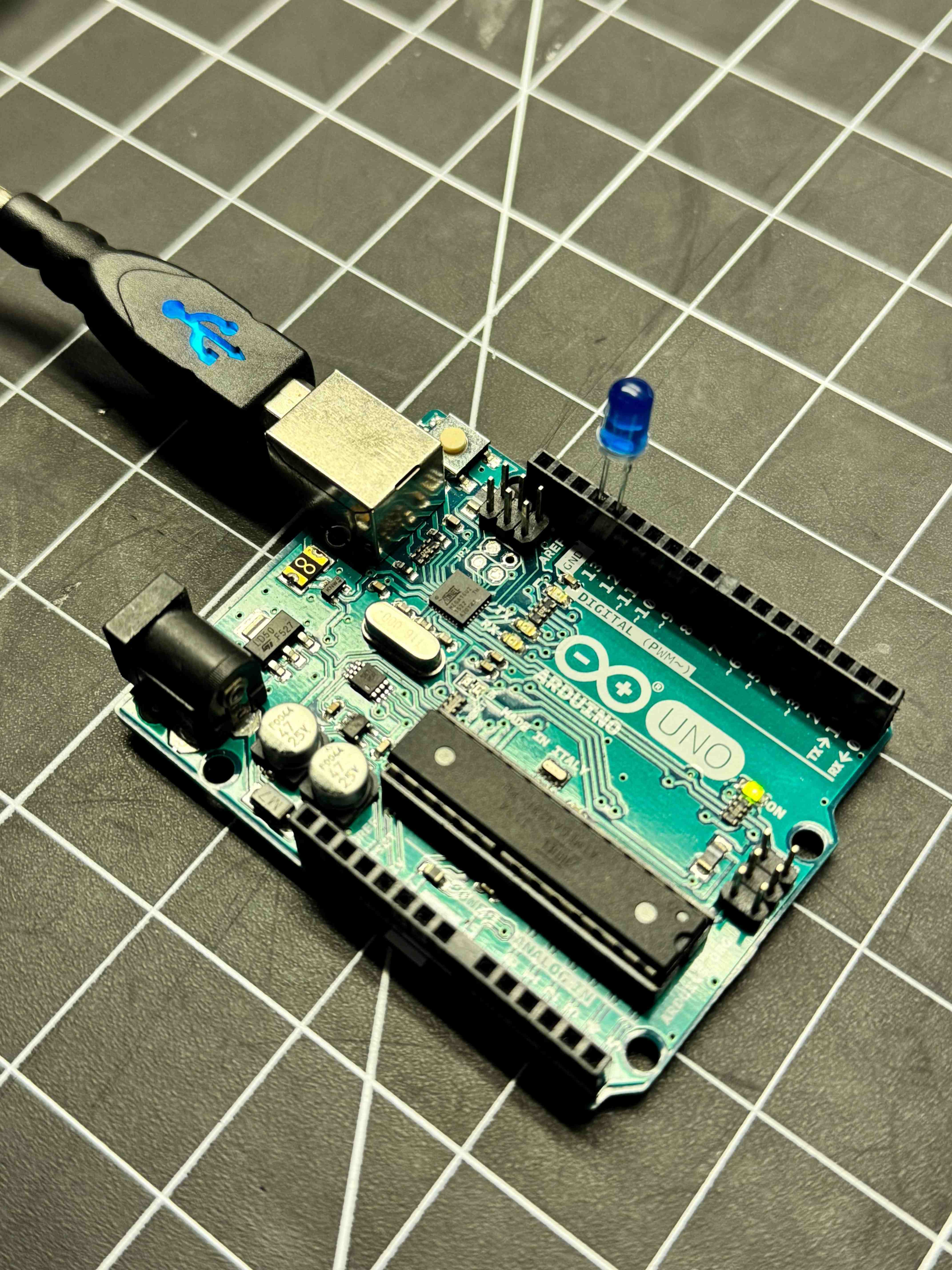
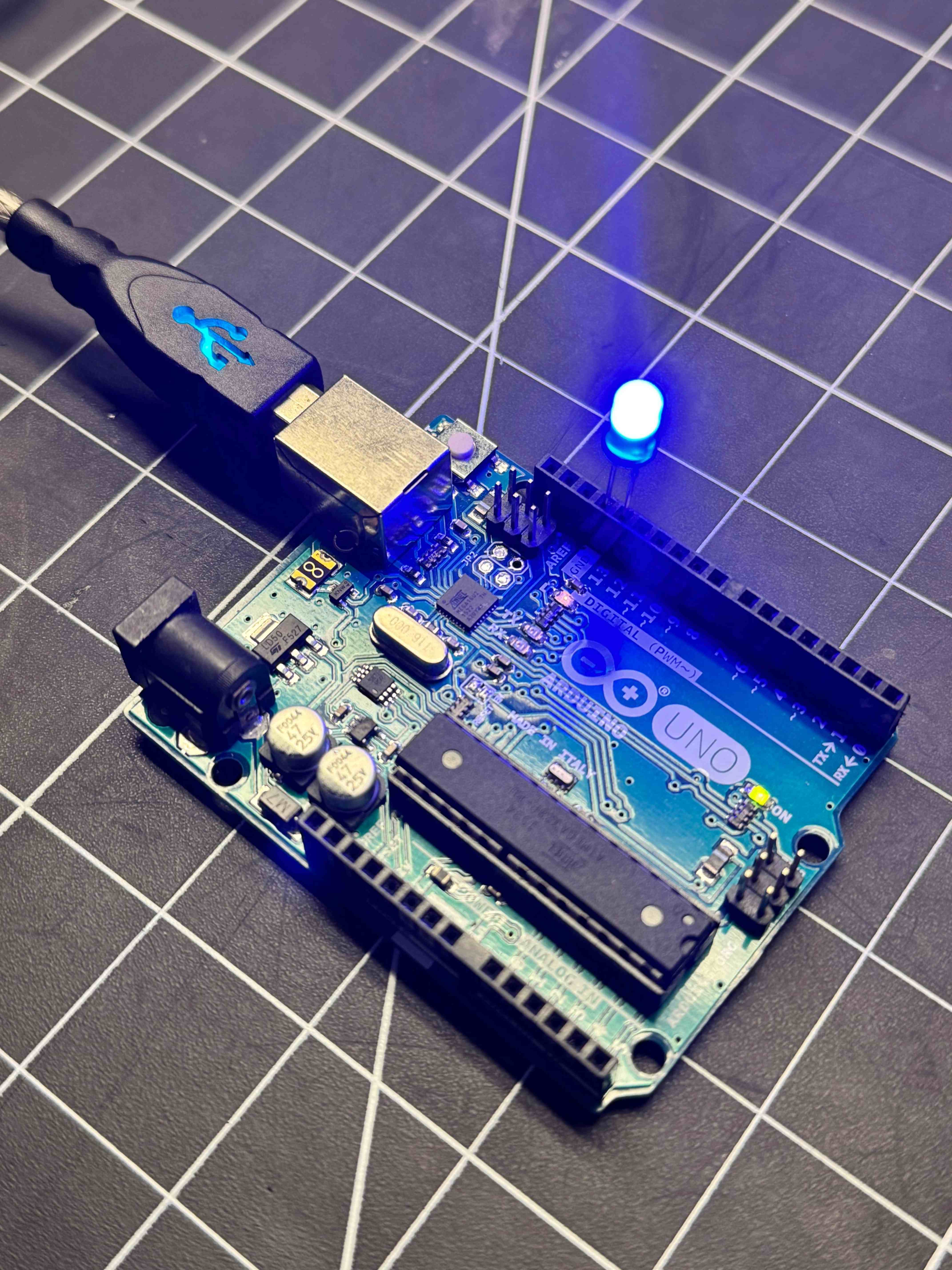
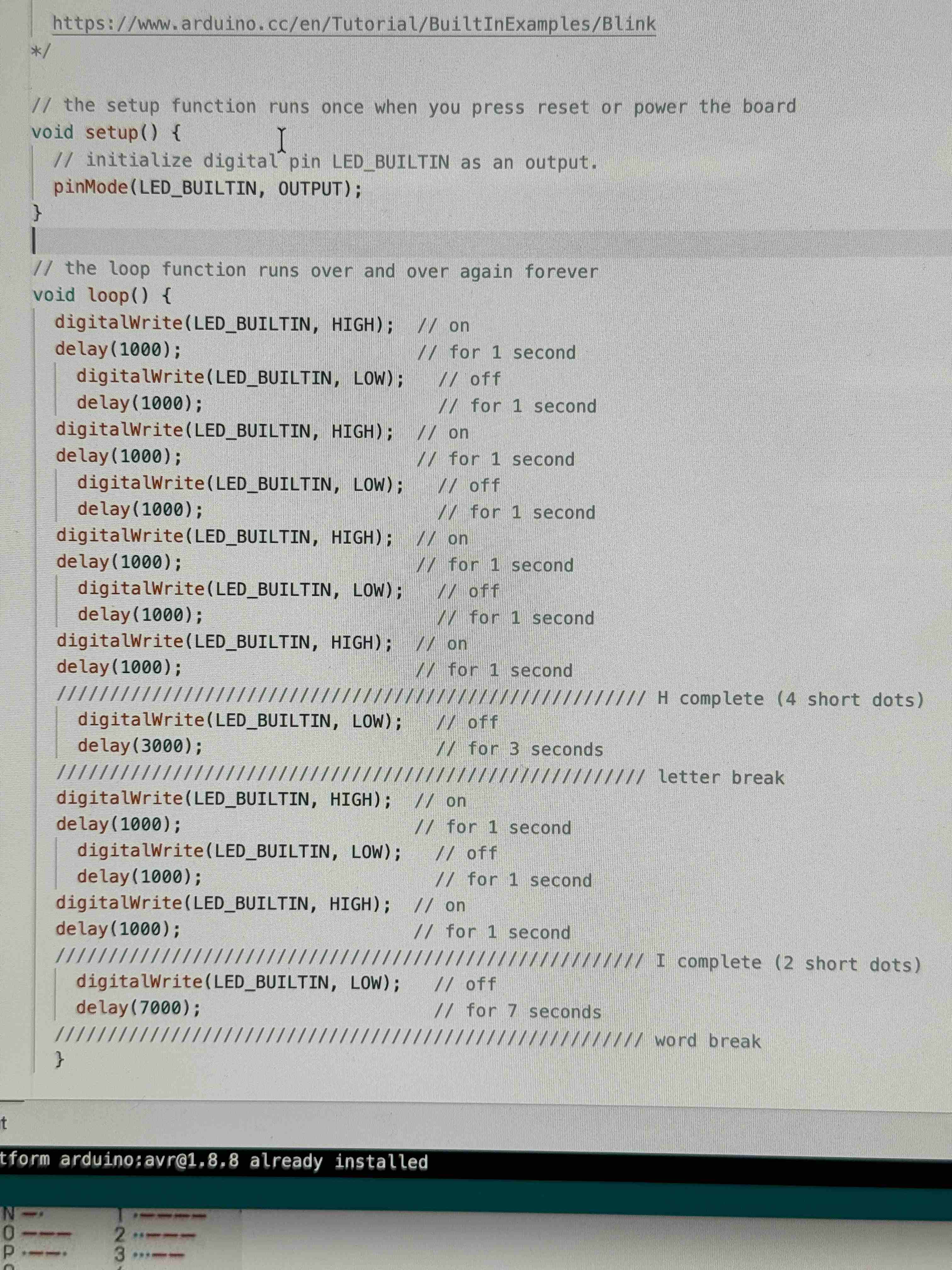
When plugging the Arduino in, the LED on the board began blinking due to previous code ran on it. After running the BareMinimum example code, the LED on the board should stop blinking. However, my and Rai's LED stayed on constantly. Once we set up the Blink example code, we placed an LED on the board's 13th and GND pins, but it didn't work... I realized I needed to push it down further and it started working. It was blinking, but this is ashot of it staying on. While talking to Rai, they mentioned that their first idea when approaching the Arduino was making it talk in Morse code. I decided to try coding it to say “hi” and this is what I got.

Activity 2

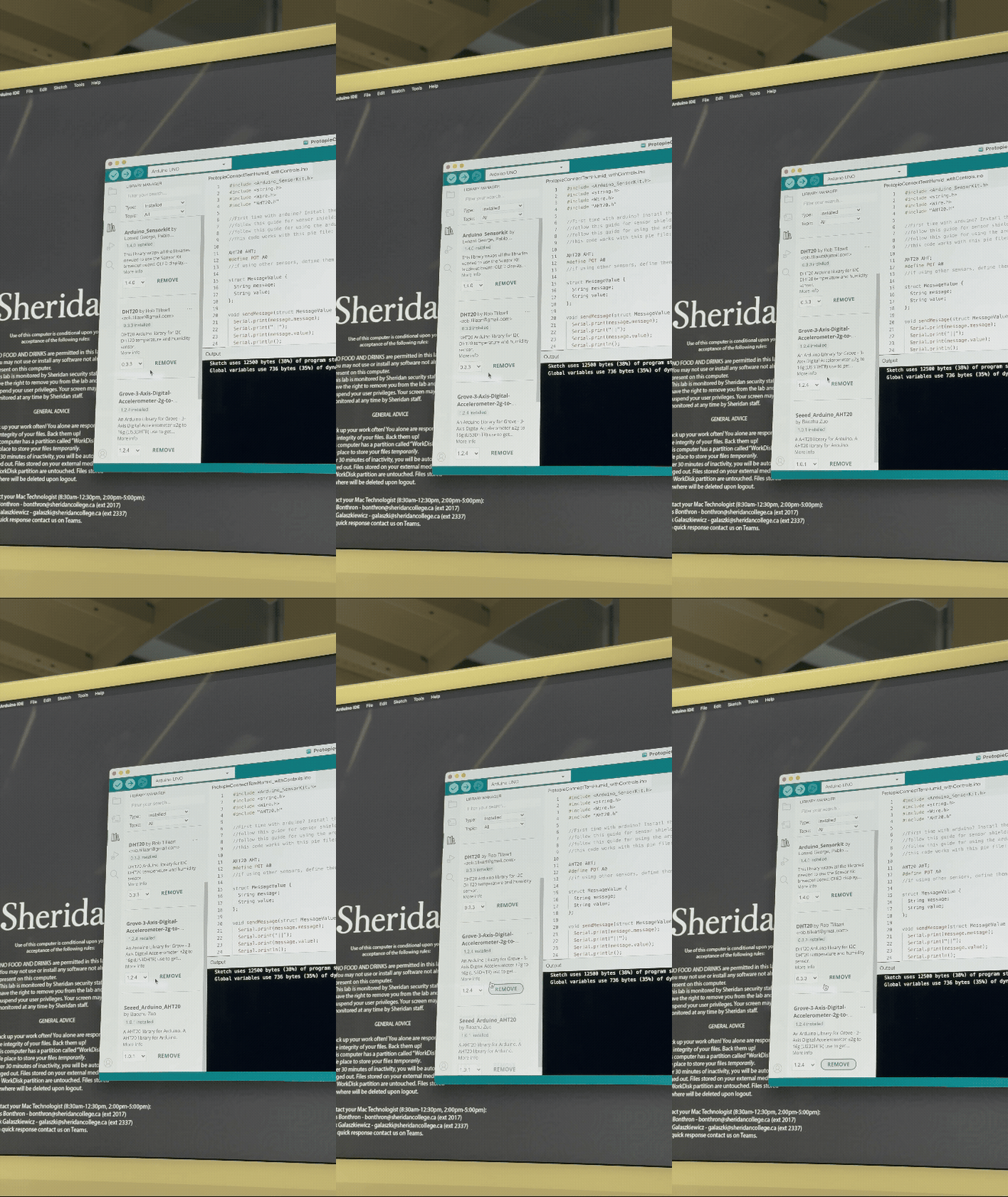
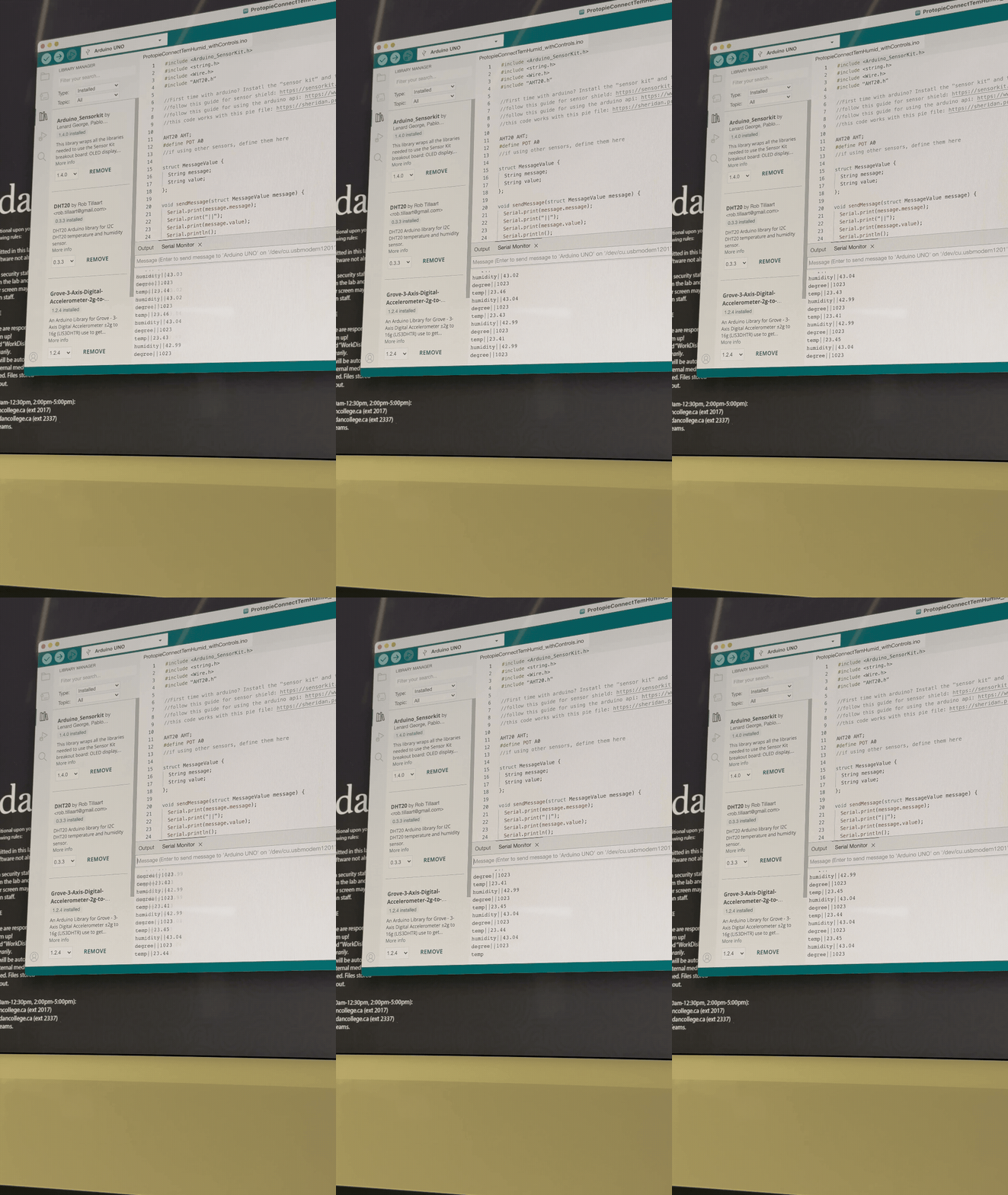
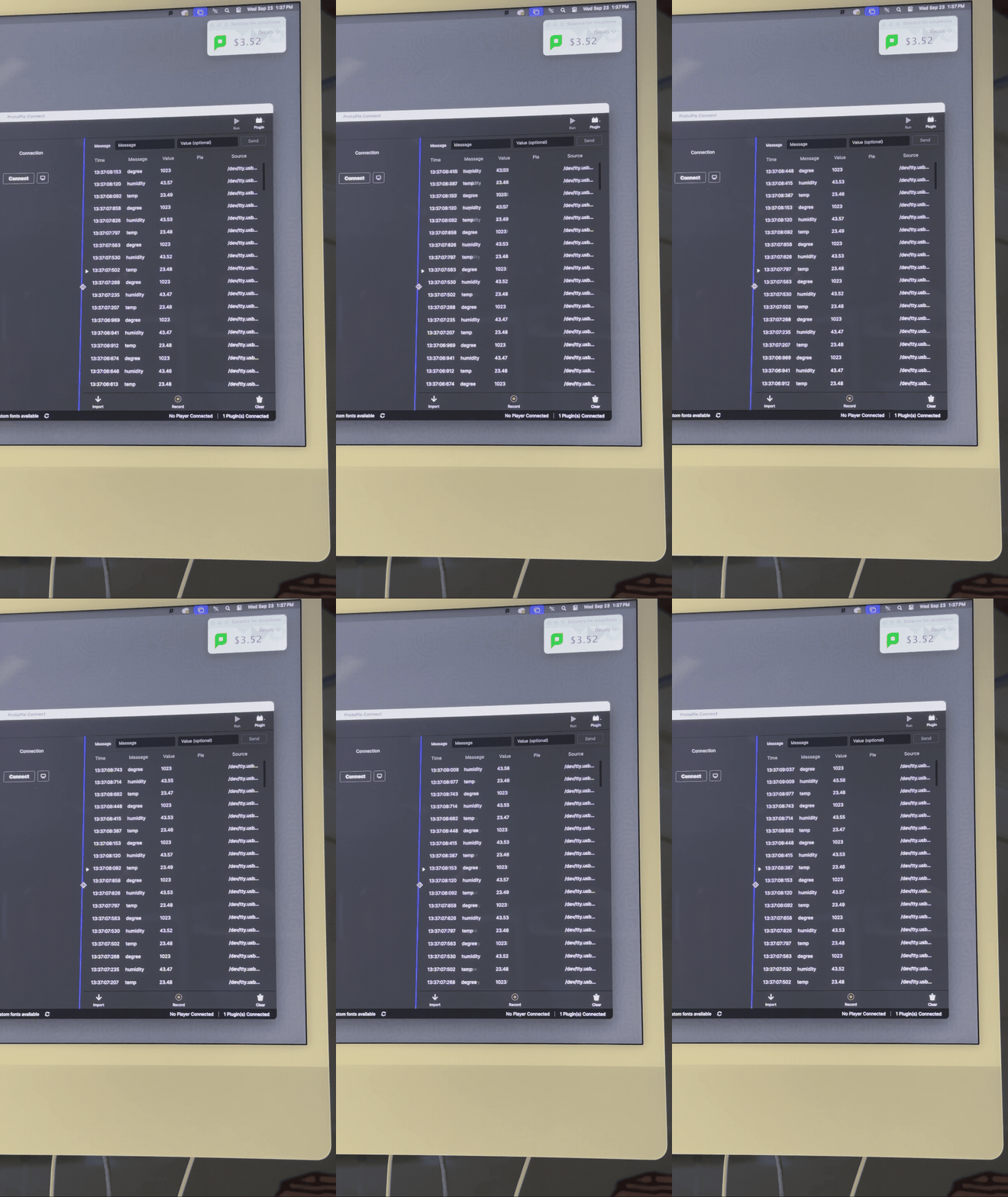
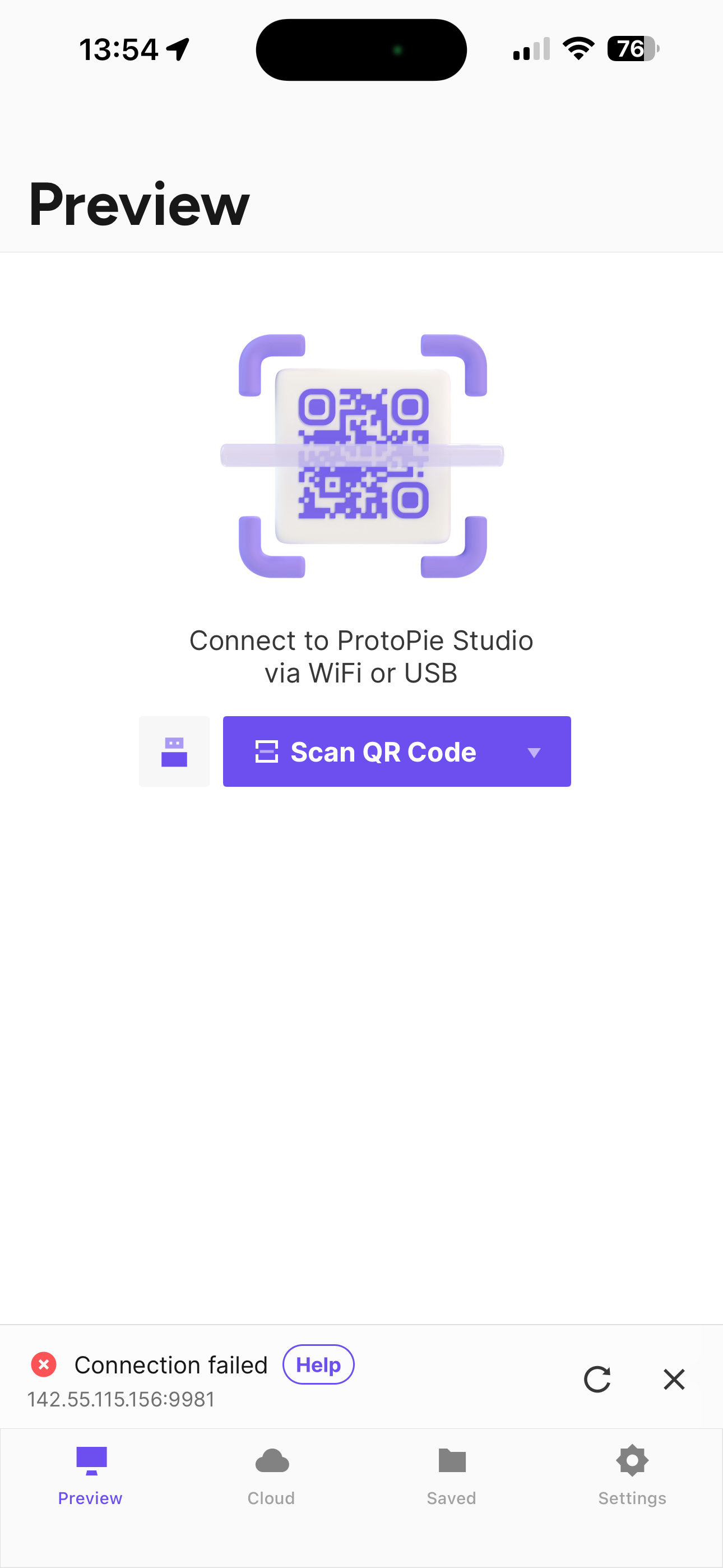
First, we needed to download the correct and necessary extensions for the Arduino code to work. Second, we needed to make sure the Arduino was running properly by using the Serial Monitor. After seeing it works, we needed to disconnect it because the Arduino can't run on Protopie and the Serial Monitor at the same time. We then opened Protopie Connect and ran the Arduino plugin to check that the Arduino was working properly with Protopie. After checking the Arduino worked with Protopie, we tried to connect our phones with the pie. Mine didn't work right away because my Protopie Connect was on the wrong network. I had to go through every single network on Connect and it finally worked!

Activity 3

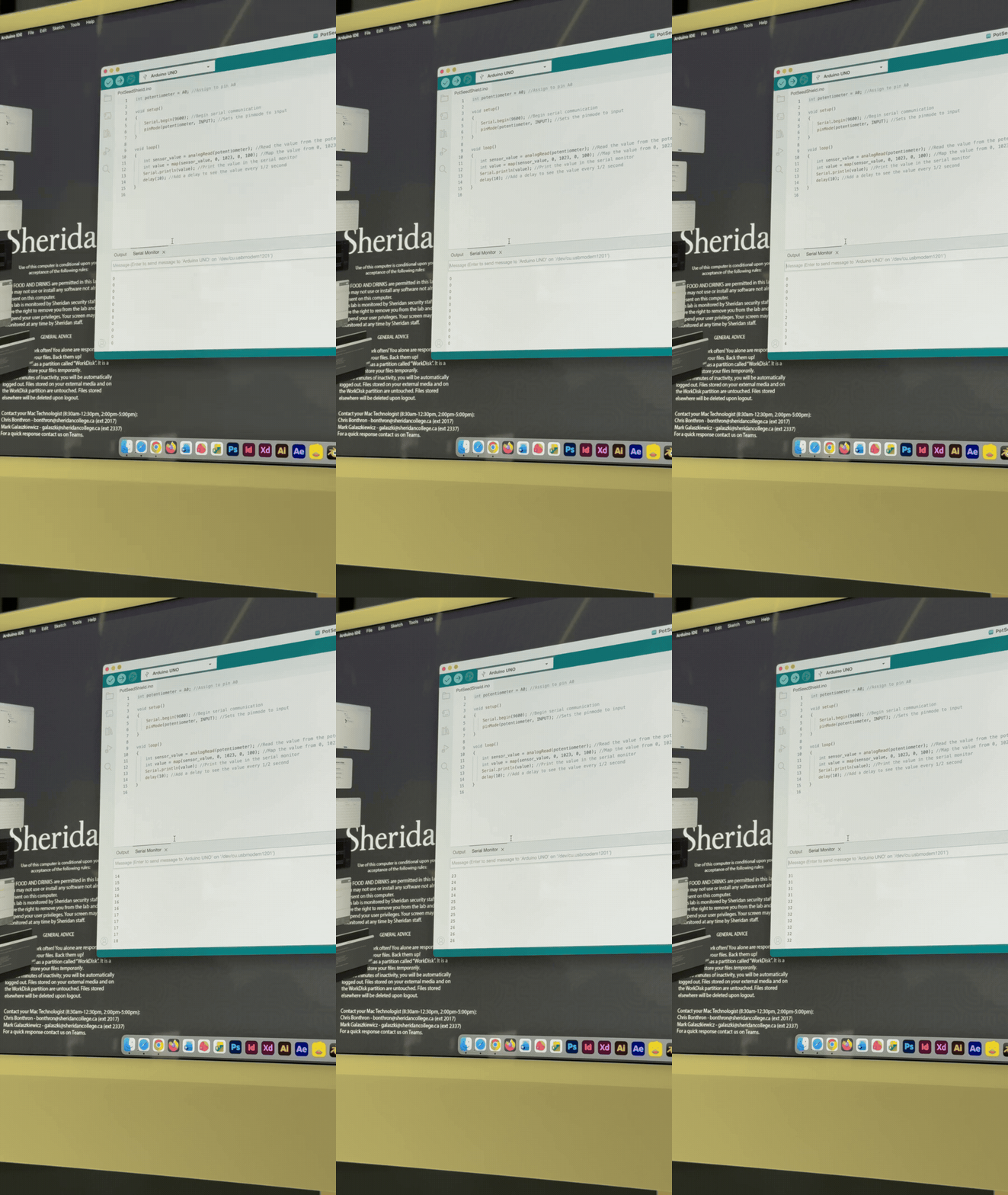
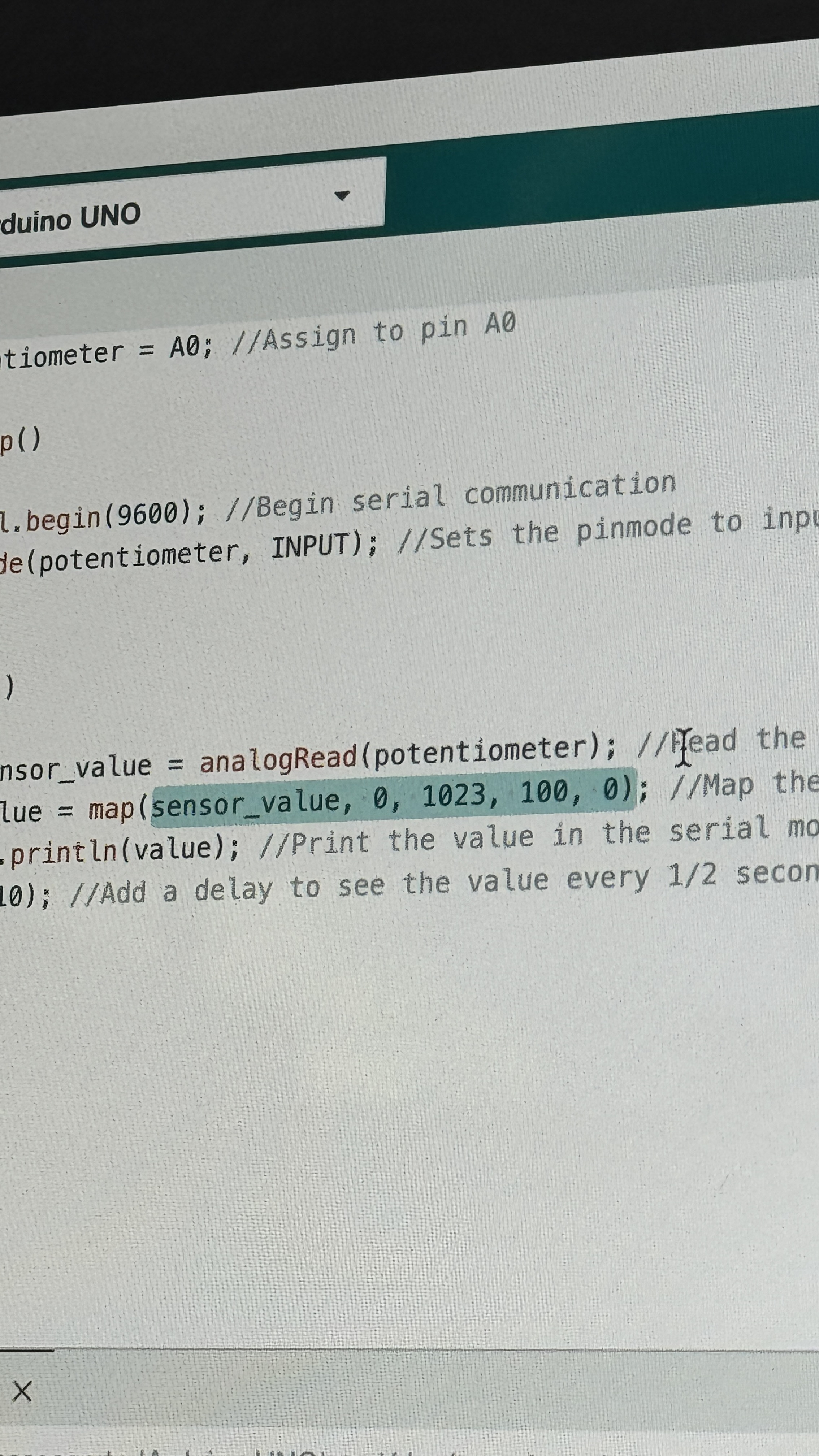
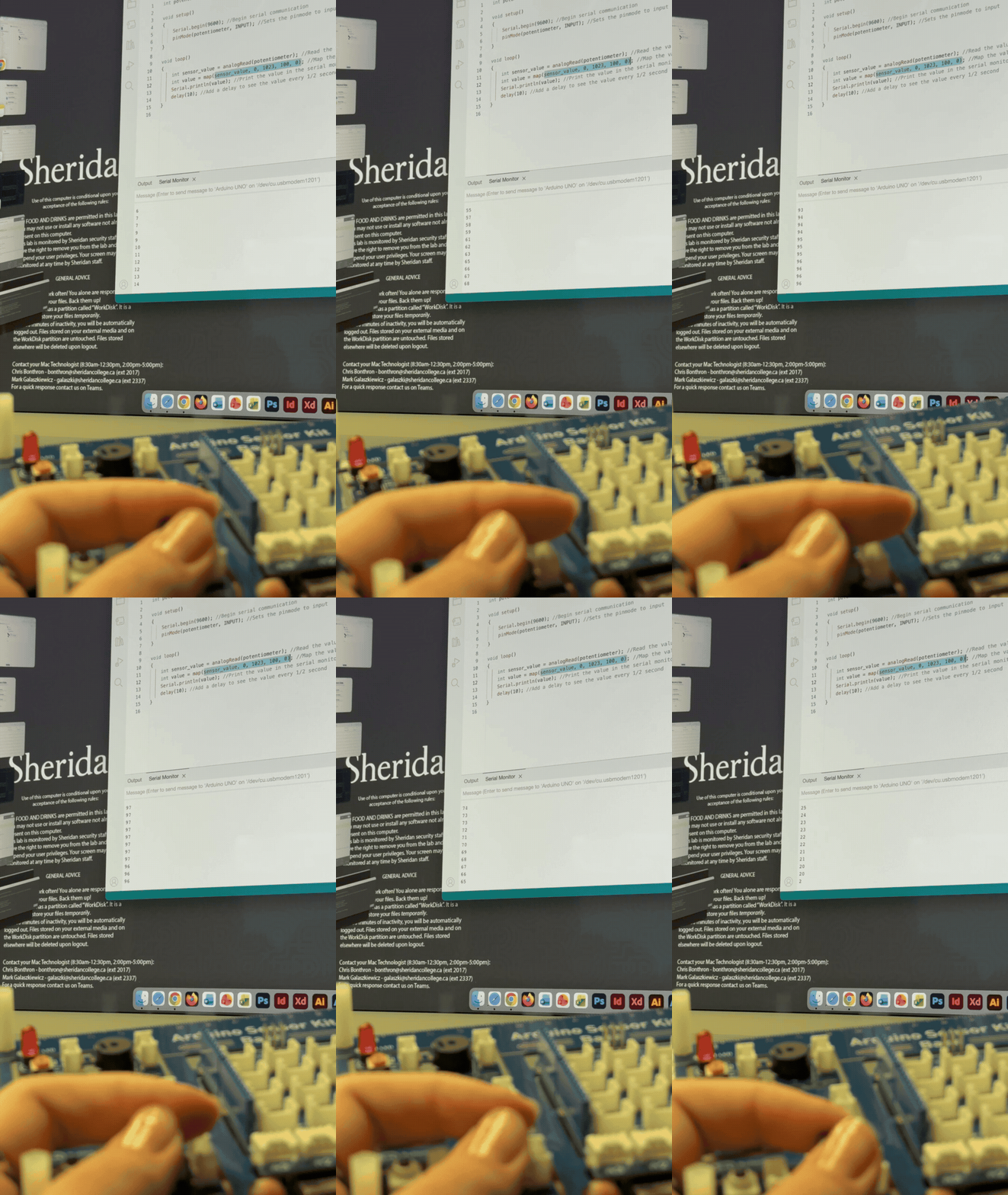
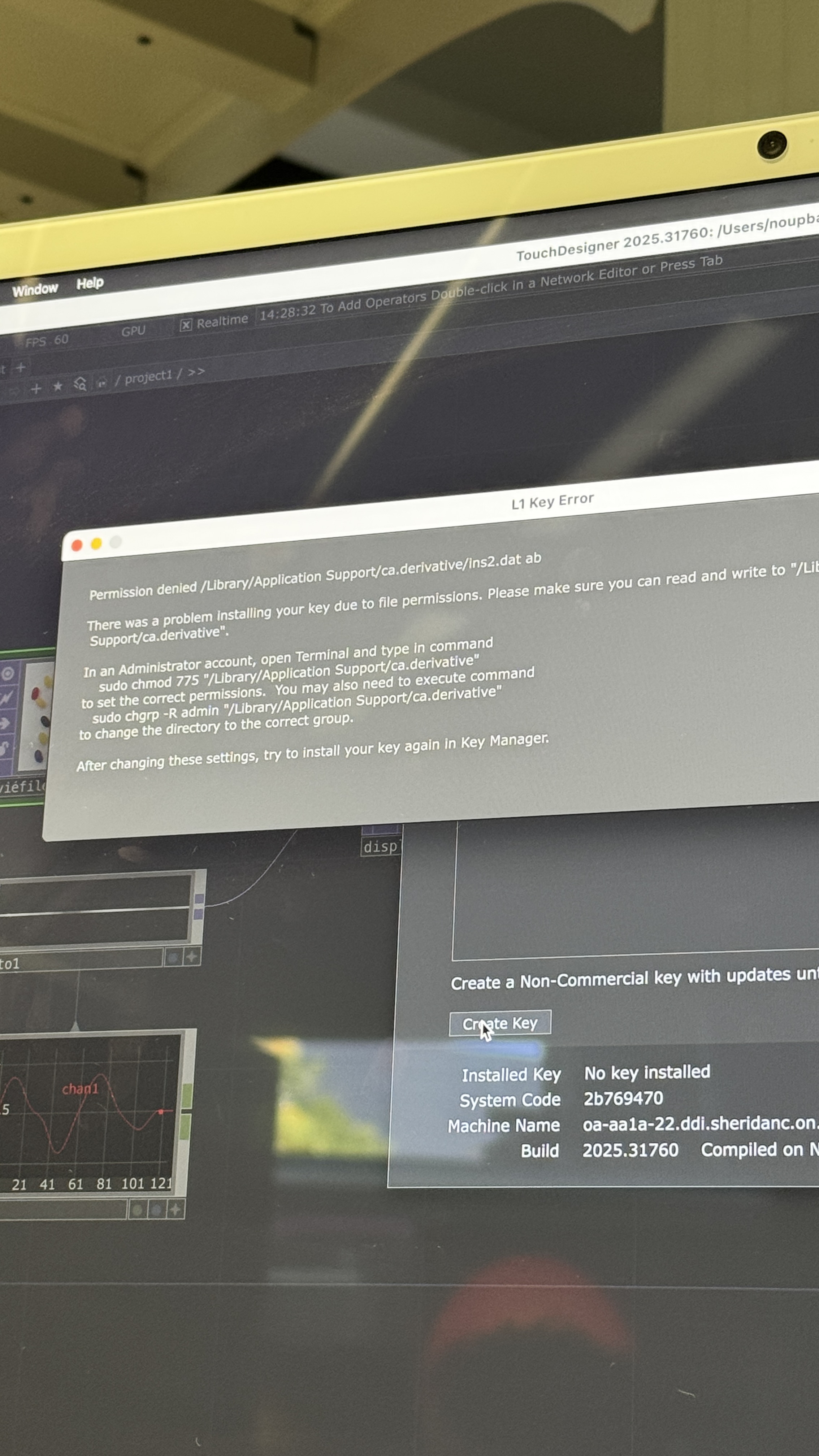
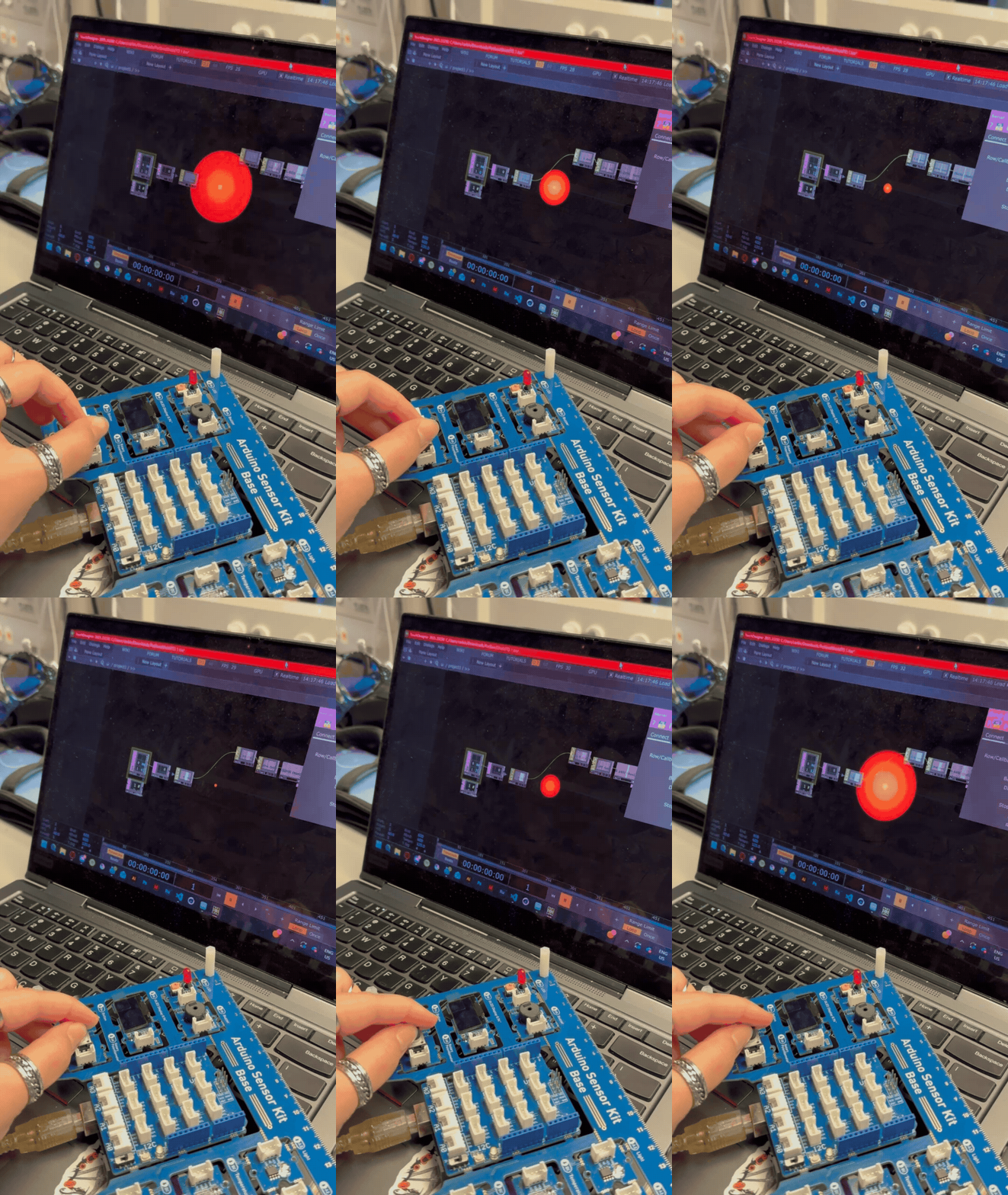
We got the Arduino code working in class. Me and Rai noticed the dial would count up when going counterclockwise so we coded it to go the other way. Here's a video of the dial counting up when going clockwise. My license wasn't working so I had to follow the rest of the tutorial on Rai's laptop. We got the TouchDesigner file working!

Research Activity

For this project, I'm partnered up with Rai, so we split up the research activity between the two of us. On my website is my half of the research and on Rai's website is their half of the research. See Rai's website for their half of the research.


Consumer Trend Research


The automotive industry is marked by trends of simplicity—reverting to analog controls—and advancement—enhancing the sensory experience inside the car.

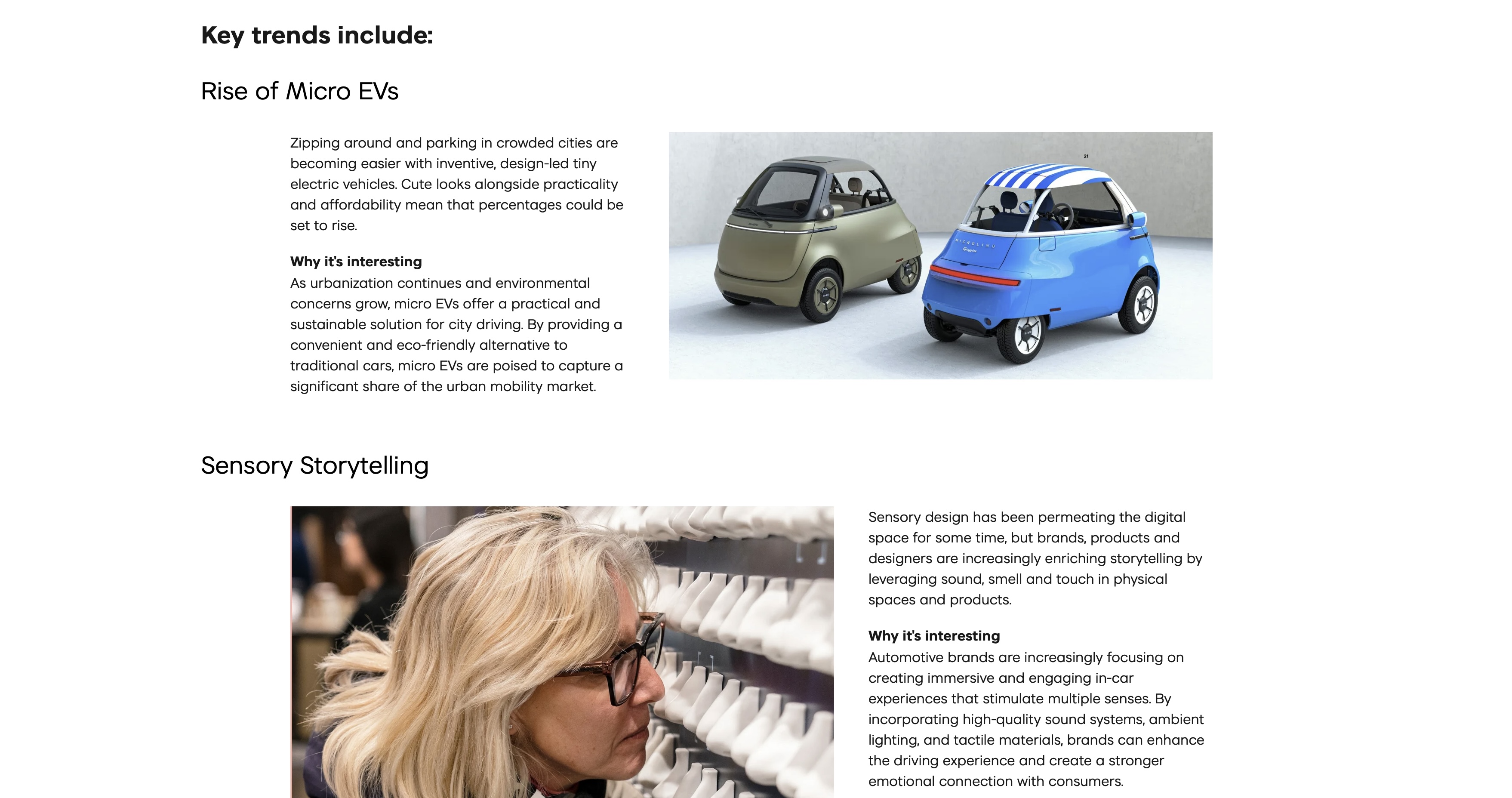
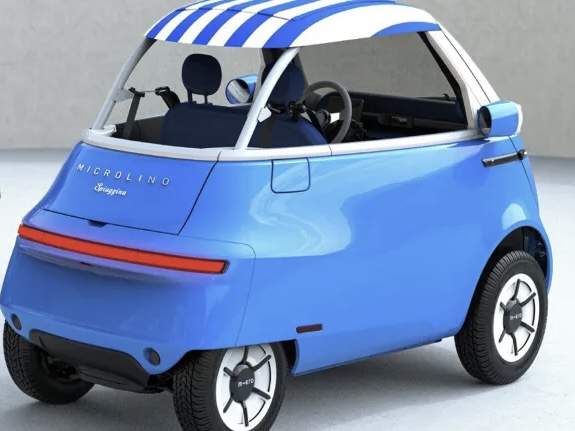
An interesting key trend for vehicles, according to VML.com is the rise of the design-first, affordable Micro EV, particularly for eco-conscious urbanists living in crowded cities.

84% agree people are less present due to increased use of technology. 88% agree that they wish life could be simpler sometimes. I find these stats interesting because I’m colloquially aware of analog technology coming back (e.g. dumbphones), but didn’t consider applying this for automotives
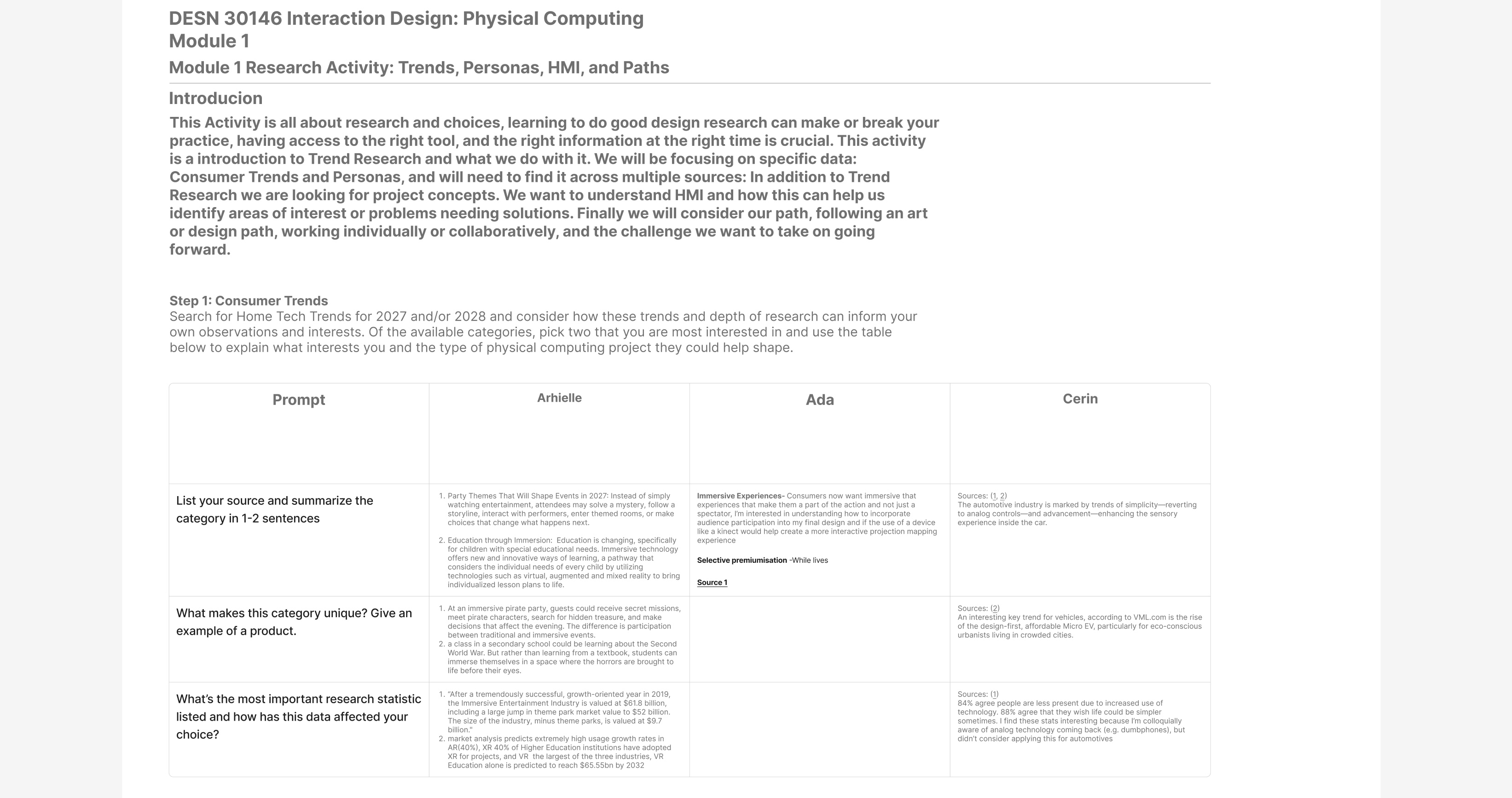
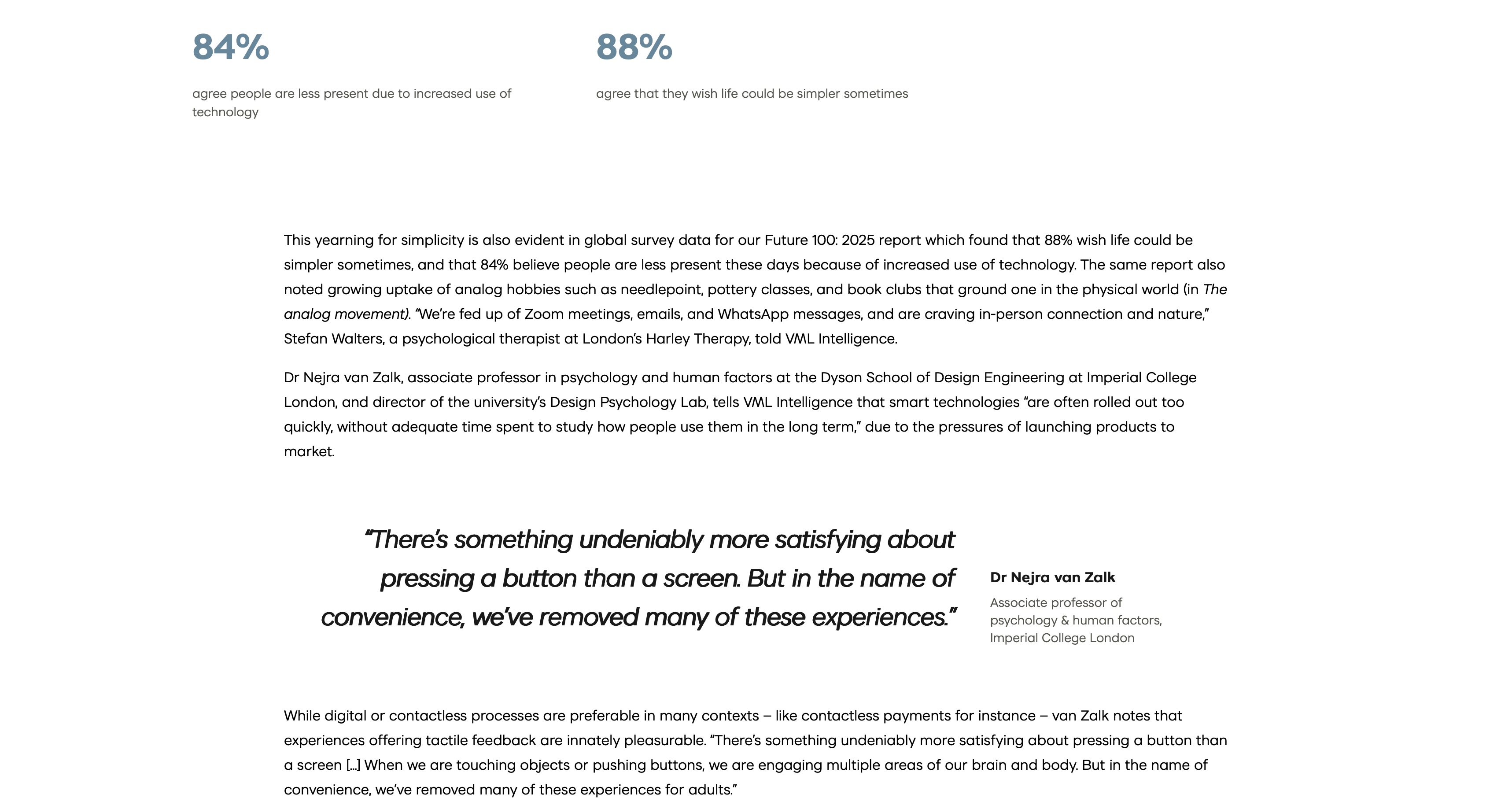
Although I'm doing this project with Rai, I, Ada, and Arhielle did the research activity together on a shared Figma file. See the full Figma document here: <a href='https://www.figma.com/design/yCQCvWa3YBGcgZDHmX3g3J/Module-1-Research-Activity?node-id=0-1&t=HSXNxEsQmwUqvyOy-1' target='_blank'><p>https://www.figma.com/design/yCQCvWa3YBGcgZDHmX3g3J/Module-1-Research-Activity?node-id=0-1&t=HSXNxEsQmwUqvyOy-1</p></a> Page with statistics from: <a href='https://www.vml.com/insight/unsmart-interfaces' target='_blank'><p>https://www.vml.com/insight/unsmart-interfaces</p></a> Trends from: <a href='https://www.vml.com/insight/future-100-2025-automotive' target='_blank'><p>https://www.vml.com/insight/future-100-2025-automotive</p></a>


Personas Research


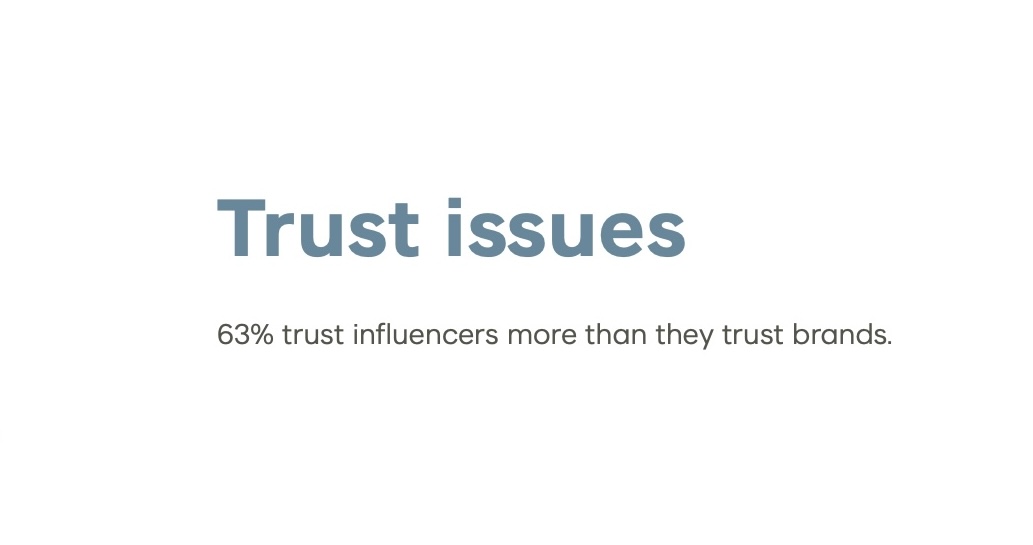
My persona's name is Jessica. Jessica is a Zillennial with her full G license and has bought all her cars in-person. For the past year, she’s been looking to buy this new car after seeing positive reviews from influencers. She wants to try buying the car online but will likely end up buying in-person again due to her trust issues with brands.

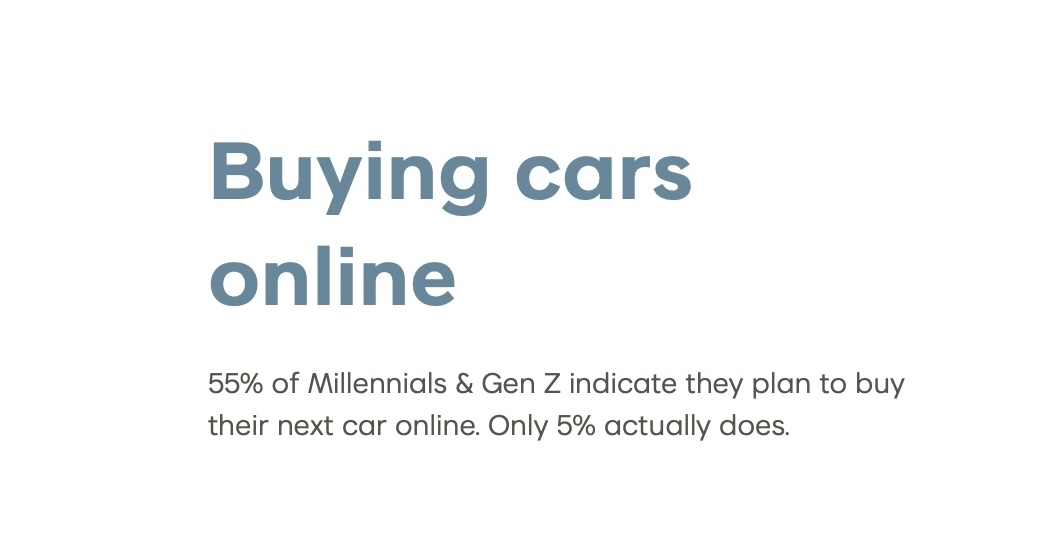
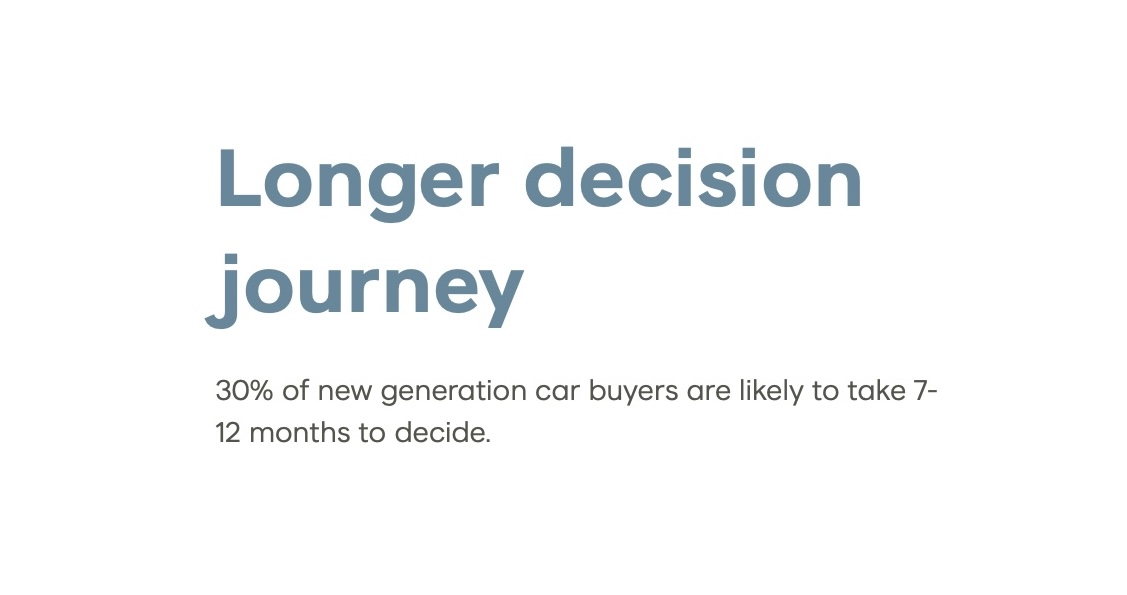
Millennials and Gen Z are different from older buyers. They trust influencers more than brands, and they have a strong willingness to buy online. However, only 5% end up following through with buying online. They take their time when deciding to buy car, typically taking from 7 to 12 months to make a decision. They need targeted, coordinated messaging, particularly with Lead Nurture Management, to maintain a brand relationship with such slow-buying customers.

Behaviours: Rely on and highly trust social proof and digital influencers for research to buy cars.
Buying Priorities: think long about purchase, taking 7-12 months to decide to buy a car.
Actions: despite willingness to buy online, buy in-person due to brand distrust
Source: <a href='https://www.vml.com/insight/driving-change-in-automotive-marketing' target='_blank'><p>https://www.vml.com/insight/driving-change-in-automotive-marketing</p></a> Source: <a href='https://www.vml.com/insight/driving-change-in-automotive-marketing' target='_blank'><p>https://www.vml.com/insight/driving-change-in-automotive-marketing</p></a> Source: <a href='https://www.vml.com/insight/driving-change-in-automotive-marketing' target='_blank'><p>https://www.vml.com/insight/driving-change-in-automotive-marketing</p></a>


HMI Research


Problem Spaces

    1. Simplicity

Drivers have become digitally fatigued for multiple reasons: technology has become pervasive; Automotive UI can be confusing, unreliable, and distracting; and reduces the ability to stay in the present moment.

    2. Micro EVs

With the number of megacities rising along with inflation and cost of living, young urbanites are looking for affordable, compact, eco-friendly cars—Micro EVs. Despite having the demand for Micro EVs, young people in cities can’t see themselves in them due to the generic high-end, luxury branding of EVs.


Simplicity—How might I:

    1. Balance the convenience of digital, visual UI and the simplicity of analog controls without distracting the driver?
    2. Keep drivers distraction-free and bring them into the present moment?

Micro EVs—How might I:

    1. Make Micro EVs a sensory oasis in a loud, overcrowded city?
    2. Tailor Micro EVs for overwhelming, busy young adult life?
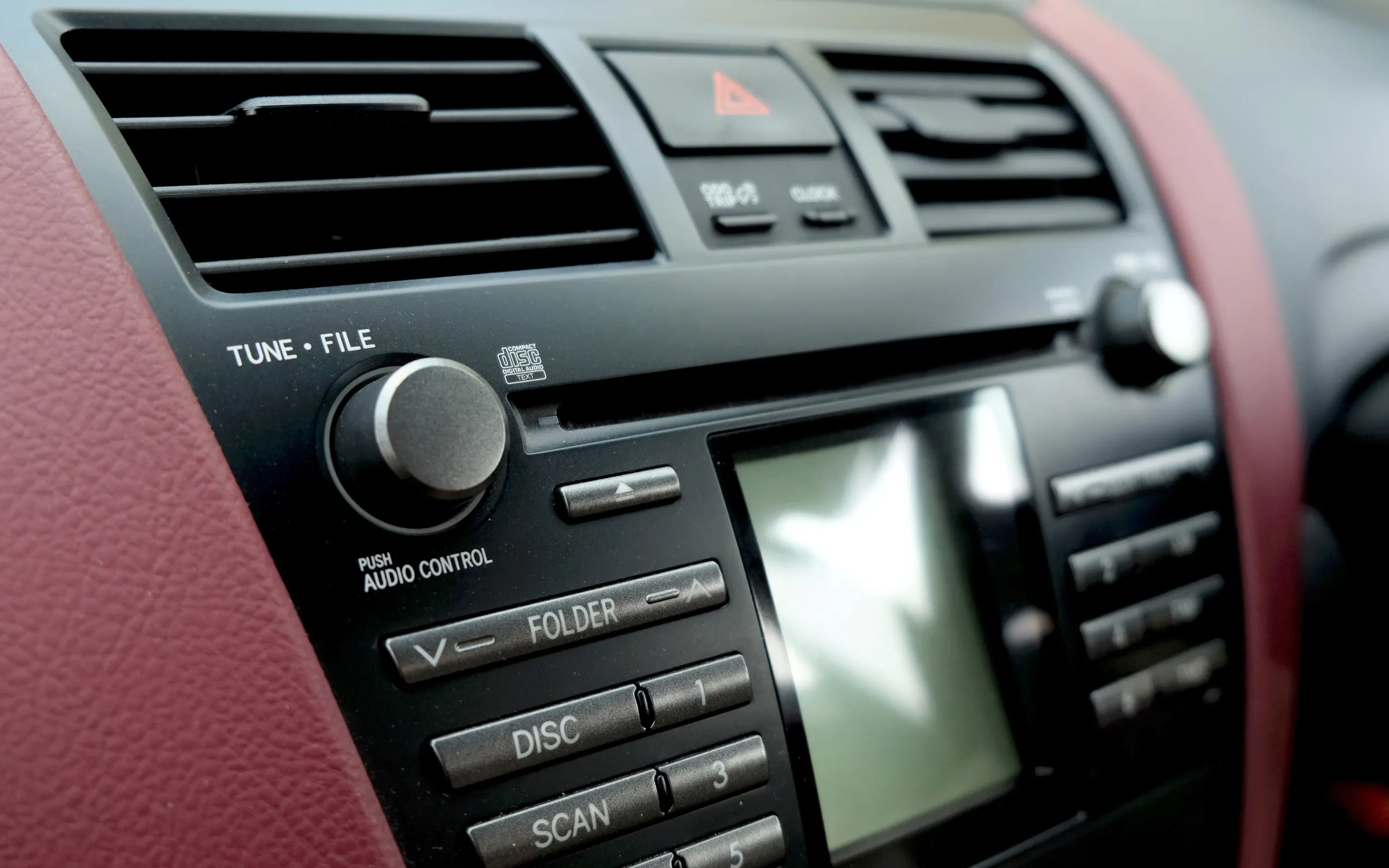
Analog controls. Source: <a href='https://spectrum.ieee.org/touchscreens' target='_blank'><p>https://spectrum.ieee.org/touchscreens</p></a> Micro EVs. Source: <a href='https://www.vml.com/insight/future-100-2025-automotive' target='_blank'><p>https://www.vml.com/insight/future-100-2025-automotive</p></a> Literal oasis. Source: <a href='https://www.istockphoto.com/photo/aerial-view-of-an-oasis-in-al-ain-abu-dhabi-uae-at-sunset-surrounded-by-golden-gm2204685891-622122051' target='_blank'><p>https://www.istockphoto.com/photo/aerial-view-of-an-oasis-in-al-ain-abu-dhabi-uae-at-sunset-surrounded-by-golden-gm2204685891-622122051</p></a>


Project Path


Following a design path for this category would be best since a successful project around Automotive UI would prioritize utility, like the Design path does.


I’d like to work collaboratively for a variety of reasons:
    1. I’m interested in having Physical Computing and group work in my portfolio.
    2. Working in a group would allow for a more ambitious project.
    3. Working in a group may bring a more novel final result.


“Analogize” digital UI with screen reader for less distraction + haptic feedback. Instead of looking over to a touchscreen to do whatever you need, you have screen reader reading out what you’re hovering on + haptic feedback when you click into a menu. Using Arduino sensors to automatically soothe senses, like tinting the windshield if sun is shining in eyes.
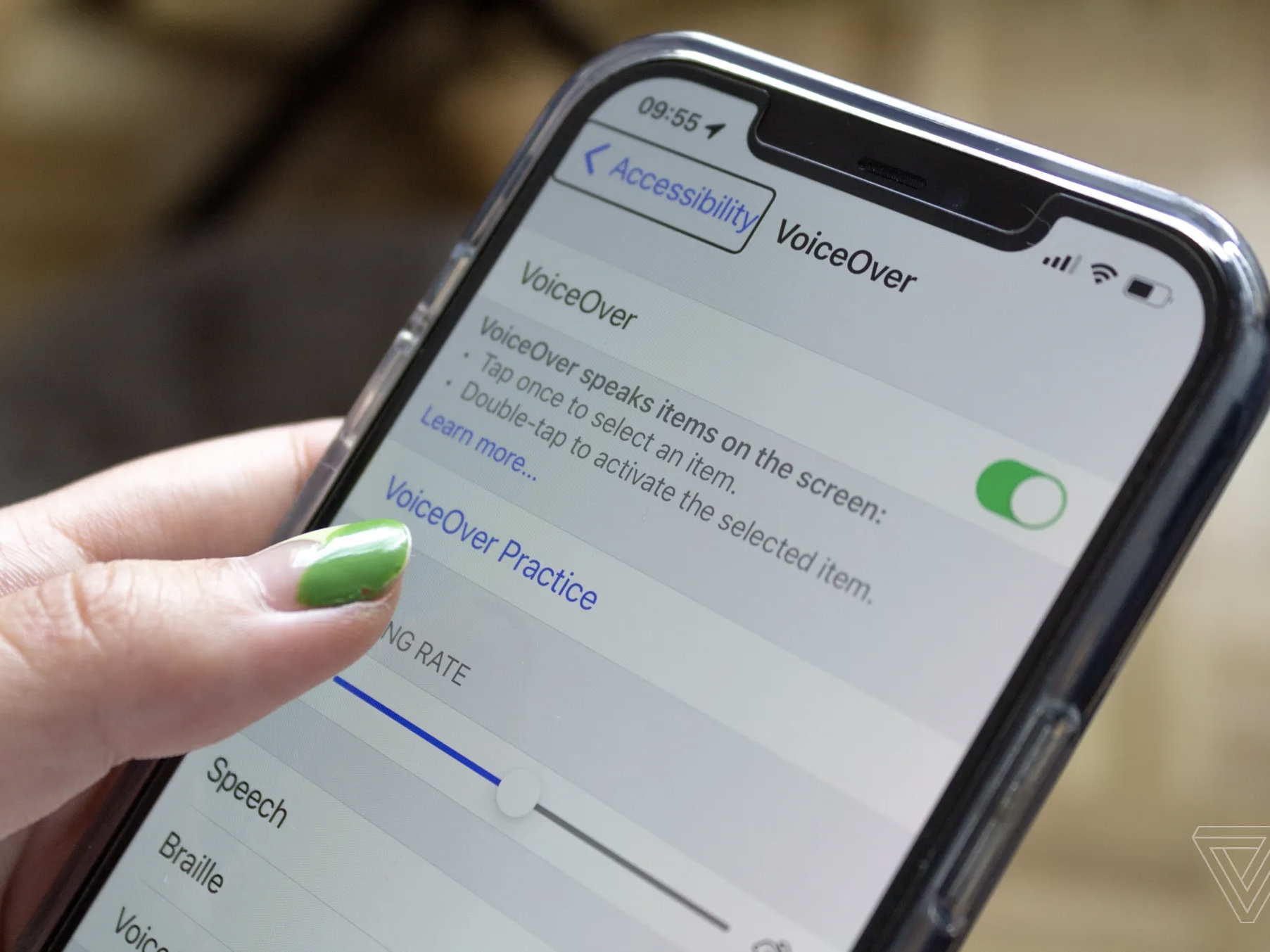
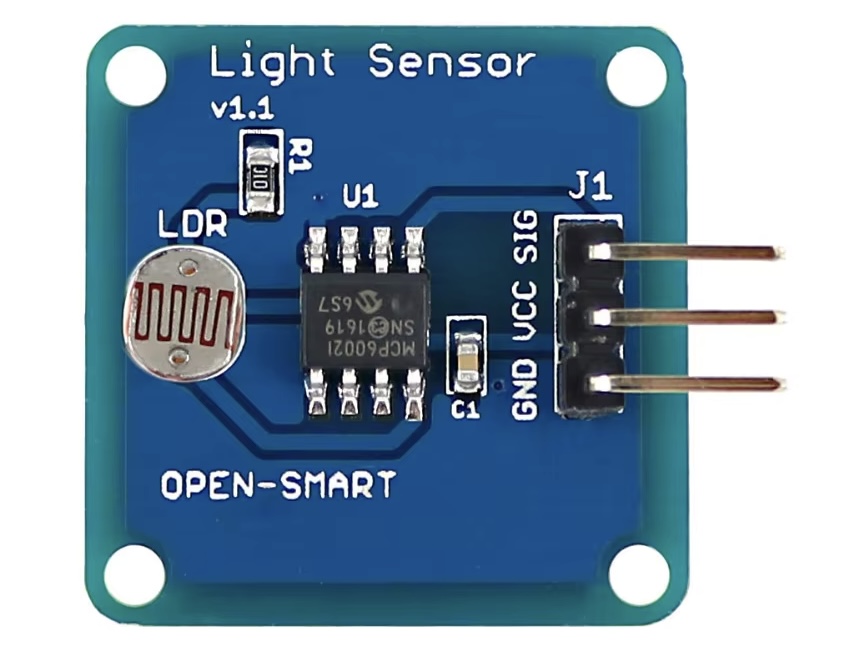
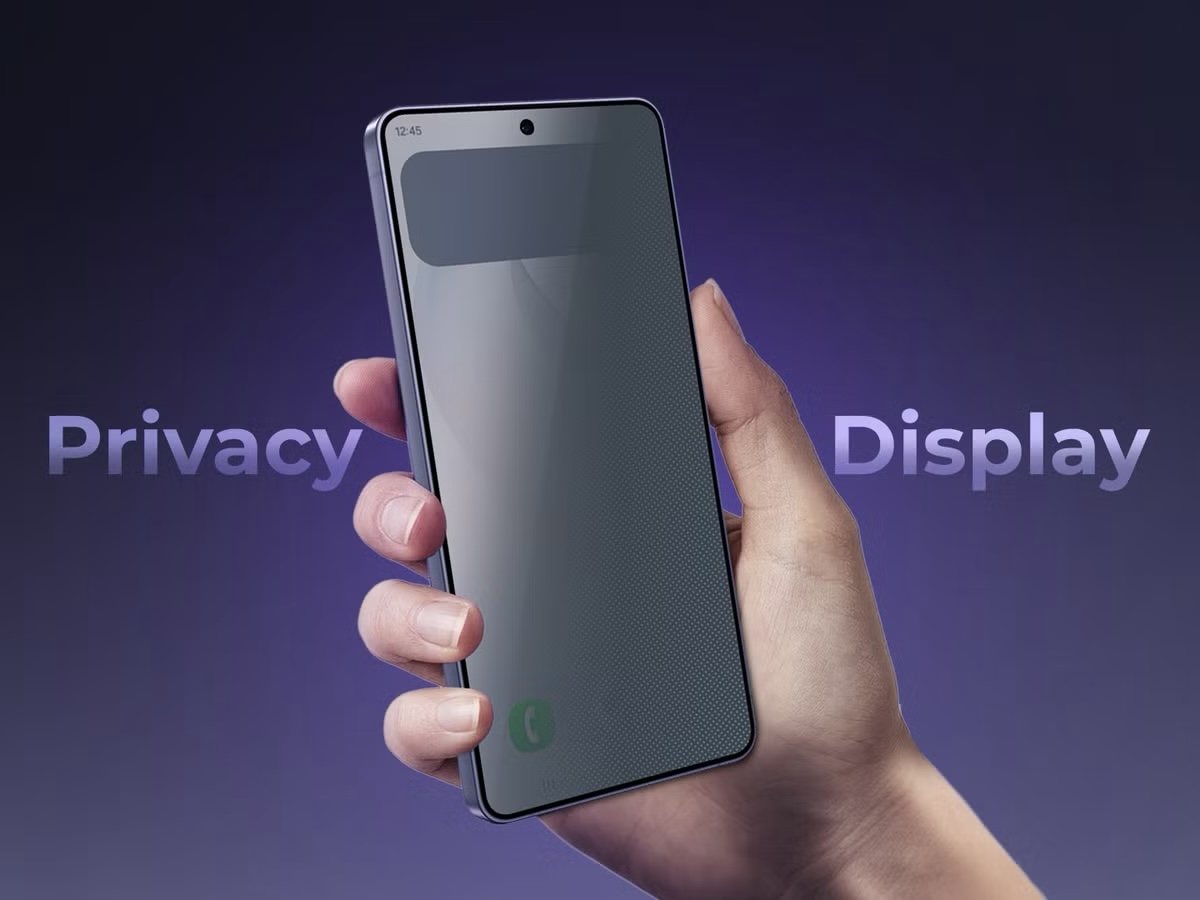
What if we made a car touchscreen that was more like a screen reader? Source: <a href='https://www.theverge.com/23274010/iphone-screen-reader-accessibility-how-to' target='_blank'><p>https://www.theverge.com/23274010/iphone-screen-reader-accessibility-how-to</p></a> A tint-changing windshield would use a light sensor to detect when the sun is shining in the driver's eyes and automatically tint the windshield. Source: <a href='https://www.aliexpress.com/item/1825718281.html' target='_blank'><p>https://www.aliexpress.com/item/1825718281.html</p></a> Perhaps the tint could work similarly to Samsung's Privacy Display. Source: <a href='https://www.androidpolice.com/samsungs-privacy-display-innovation-smartphones-really-need/' target='_blank'><p>https://www.androidpolice.com/samsungs-privacy-display-innovation-smartphones-really-need/</p></a>

Project 1 Concept


Project 1 Concept

For this project, I partnered up with Rai. We came up with a concept for an "Emergency Vehicle Nearby" notification for Deaf drivers. It would work by sending a vibration to the steering wheel when the sound of a siren reaches a certain decibel level, meaning it's nearby. The notification would be displayed on the car's native screen or pop up as a plugin on Google Maps or other navigation apps.
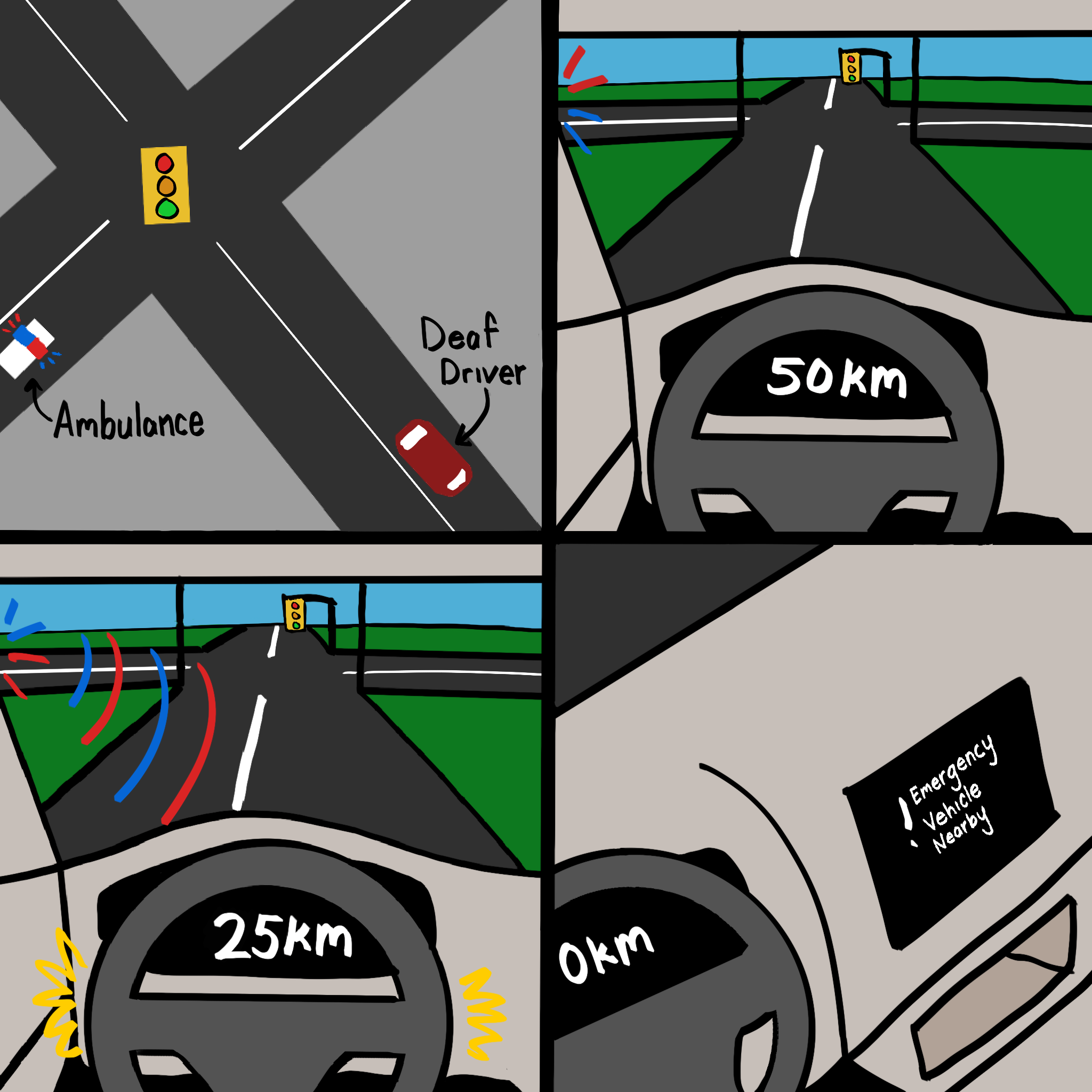
A storyboard of the concept, drawn by me. Rai and I will work on this project together.
×

Powered by w3.css